Whilst running a meeting, you can create multiple polls and decisions to help your team decide on important business decisions.
Creating A Poll
The first step to create a poll is to decide on a type. All polls are multiple choice, and you can even chose a pre-configured "yes"/"no" style poll to save time.
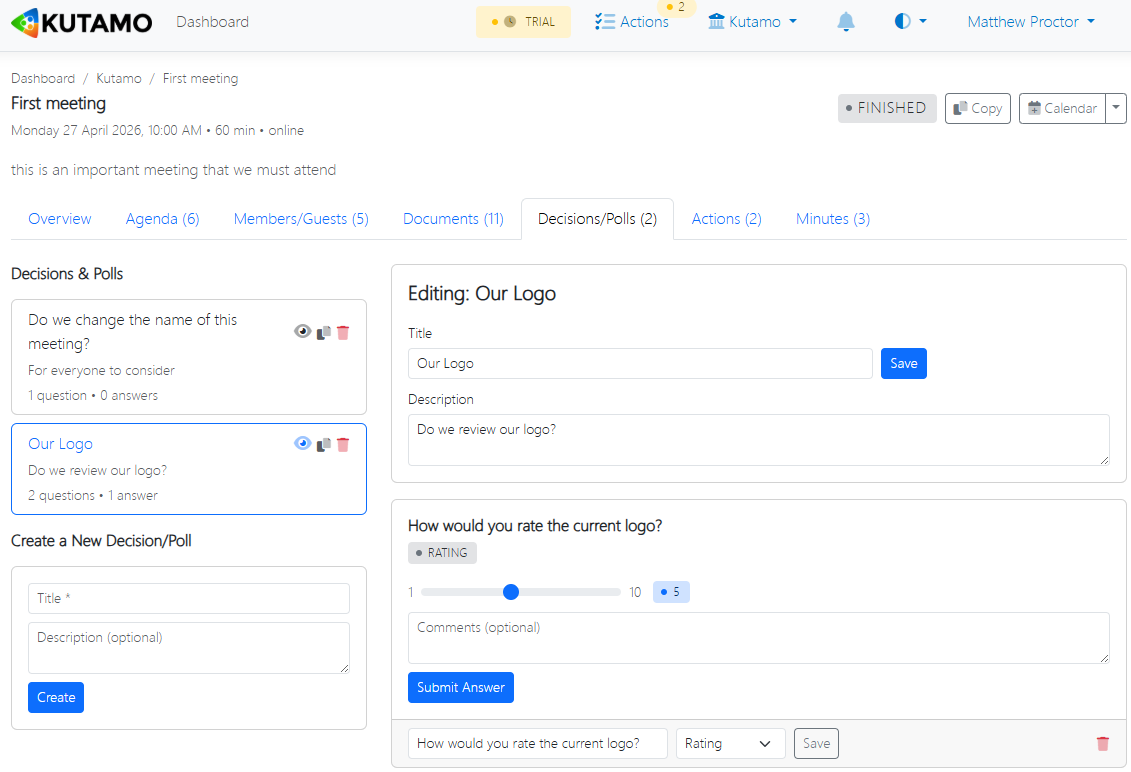
Setting Your Poll Question and Options
Each poll or decision is made up of a title, one or more options, and a date at which the poll will close.
The close date is useful for decisions that need to be made before a certain time, but you aren't sure whether all your team contacts can attend your meeting.
You can also choose to automatically close the poll once all team contacts have made their selection.
Finding Your Poll In Your Meeting
In your meeting, you and your team contacts can simply click on the Decisions tab shown below, to see your poll.
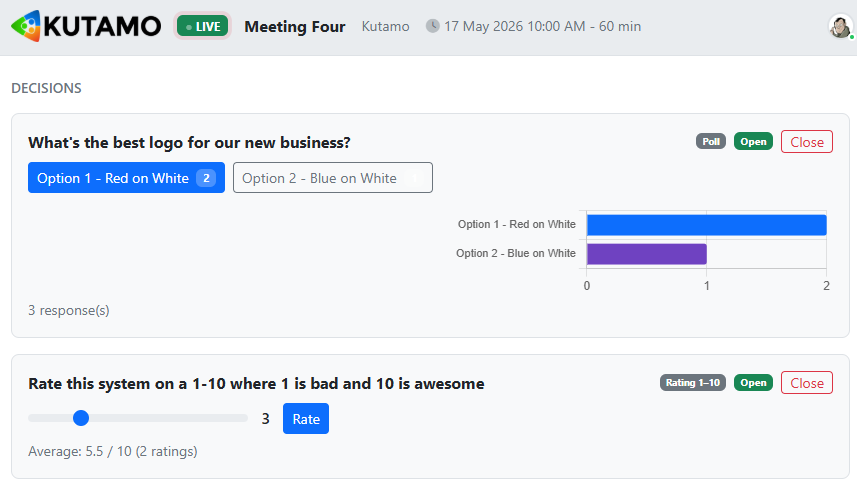
Your Team Contacts Can Contribute In Real Time
As your team contacts make their selections, you can see progress on the poll in real-time.